
Setting up Navidrome
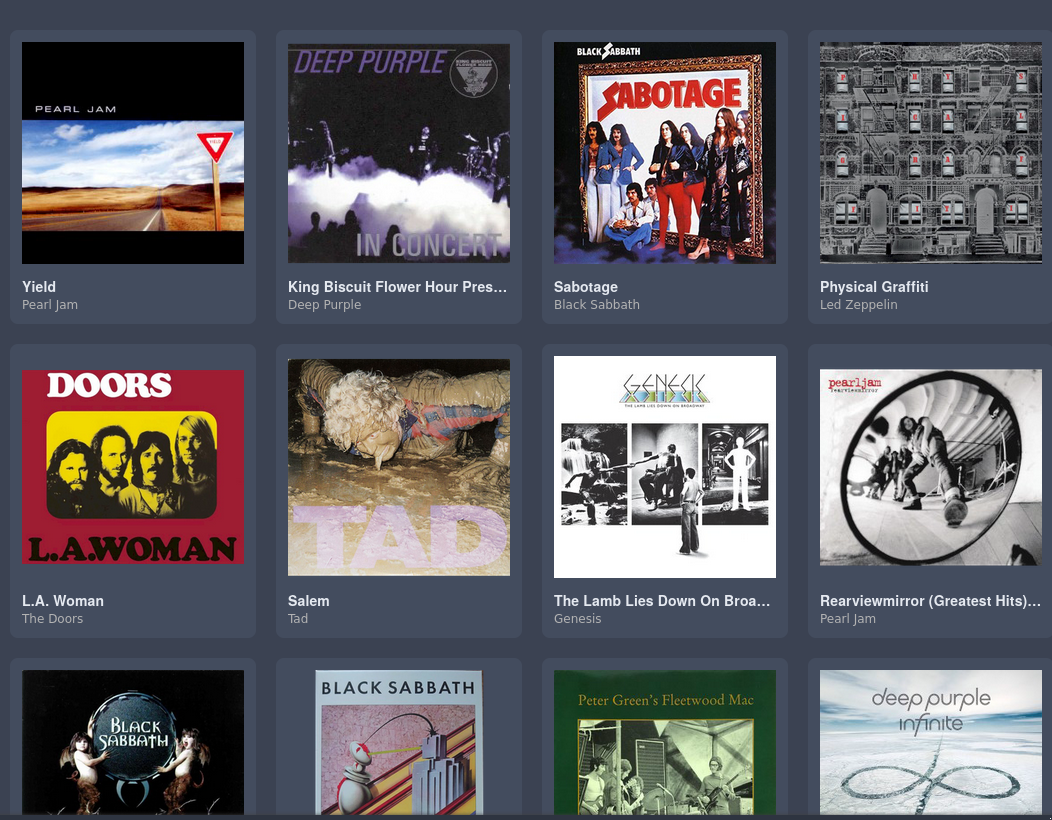
The upside of Docker is that I can setup a hosted application relatively quickly and with little difficulty. Within fifteen minutes of hearing about Navidrome, I had it up and running on my NAS.
In my house, we don't subscribe to Netflix, Spotify, Hulu, Apple Music, or any of these platforms. A mini PC connected to a DAS serves all our streaming needs. I bought the mini PC and two hard drives refurbished. One of the hard drives was an old external drive I pulled out of its enclosure. The whole setup probably cost me less than $200.
Jellyfin has been surprisingly difficult for managing music. Even with Musicbrainz, Jellyfin often pulls the wrong metadata for my music. This may partially be a Musicbrainz issue because Picard often pulls info for three or more releases for different tracks from the same album, if it pulls any at all. I can manage metadata in Jellyfin but then it reverts back to the wrong metadata the next day. I can lock each album's metadata but this becomes more work than it's worth. What I did enjoy about playing music with Jellyfin was the TUI app. Living in the terminal helps my ADHD.
A YouTube video mentioned Navidrome though I forget which video or who the YouTuber was. I looked up Navidrome and it looked cool. It has a lot of supported apps and even a few terminal apps. Even if it didn't work out, setup would only cost me a few minutes of my weekend, so I may as well test it out.
I first found a setup guide on Reddit with a Docker compose. This didn't work for me; it wouldn't pull when I tried docker compose up. I found Navidrome's official documentation, which I should have looked at this first. A quick copy/paste, include the path to my music library, and a /docker compose up/, and Navidrome was up and running. The only thing I added to my compose file was an API key for Last.fm
Navidrome's interface isn't that different from Jellyfin or what I remember of Spotify. It even has a theme to make it look like Spotify. Like Jellyfin, some of the metadata was wrong or missing. Unlike Jellyfin, you can't edit the metadata in the app. Picard gave me issues before so I didn't want to deal with that again. I looked at terminal apps and Emacs packages before settling on Puddletag. Puddletag allows me to quickly edit metadata like a spreadsheet.
After editing the tags, Navidrome recognizes my music. Because I setup the API, Navidrome pulls artist and album info from Last.fm. Like Jellyfin, I still have to have to manage the metadata on my music myself. The difference is I only have to do it once.
I keep a dedicated area to listen to music at home, based around my turntable. I may as well incorporate my streaming into the same area.
If I can repurpose old equipment and avoid buying anything new I will. Keeping a creative mindset keeps you sharp. My old MacBook has been sitting in a corner since I bought my ThinkPad. The MacBook still works though and I've never had an issue with it since installing Mx Linux on it. Using the MacBook allows me to use my Scarlett 2i2, which I can plug my turntable into too. It also gives me an excuse to try out one of these Navidrome apps.
After searching a few different apps, I settled on Aonsoku for no other reason than I liked the way it looks. I may still try the terminal app, but for now, I see no need. A terminal app will just frustrate my nine-year-old and kids are already disinterested in music as it is.
I've spent less than two days with Navidrome but so far, I'm really impressed. It solves a problem that I didn't have before homelabbing though. Before, I could just load music into a player (often XMPlay), and if I needed to, I could edit my music tags from the player. I'm choosing to view this as an exercise in building new skills.